Track every unbroken day. Smart Streak Freezes let you take protected rest days without losing the momentum you've earned.
The AI agent works silently — carrying forward unfinished tasks, writing reflective letters from your diary, and surfacing your hardest and most consistent habits.
Four curated themes — Sky Blue, Amber Gold, Blush Warm, and Mono — each with full dark mode. Your tracker, your aesthetic.
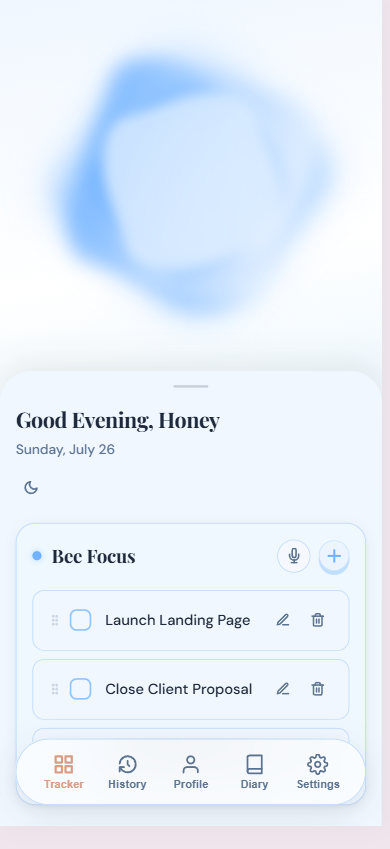
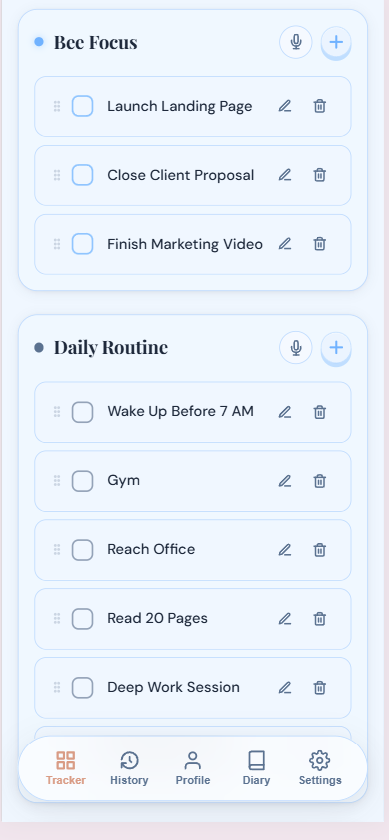
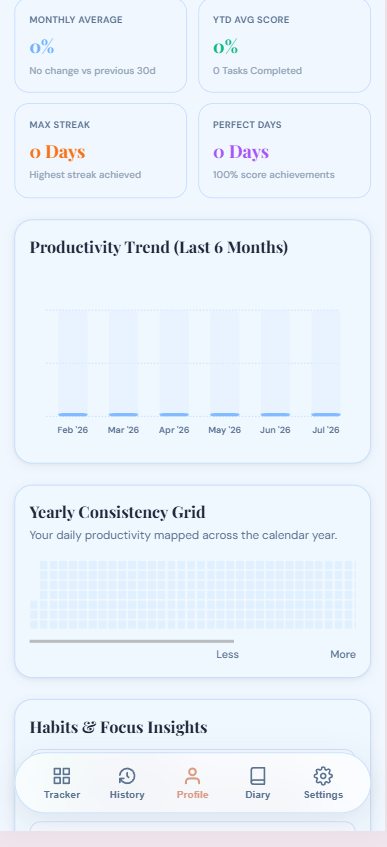
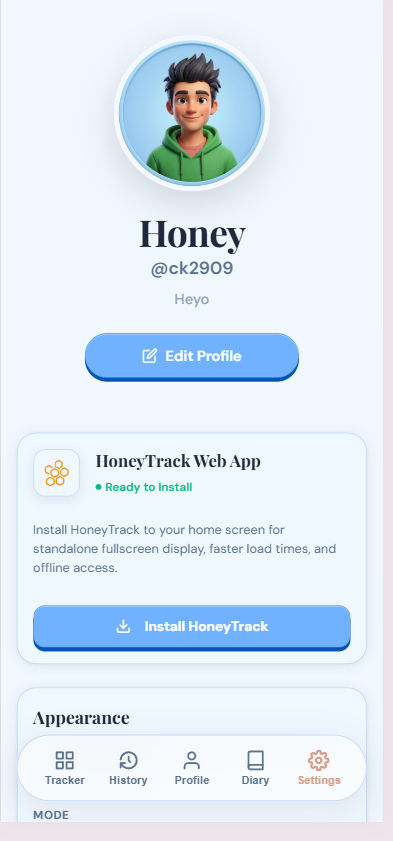
A peek inside HoneyTrack — from your daily command center to your deepest habit insights.
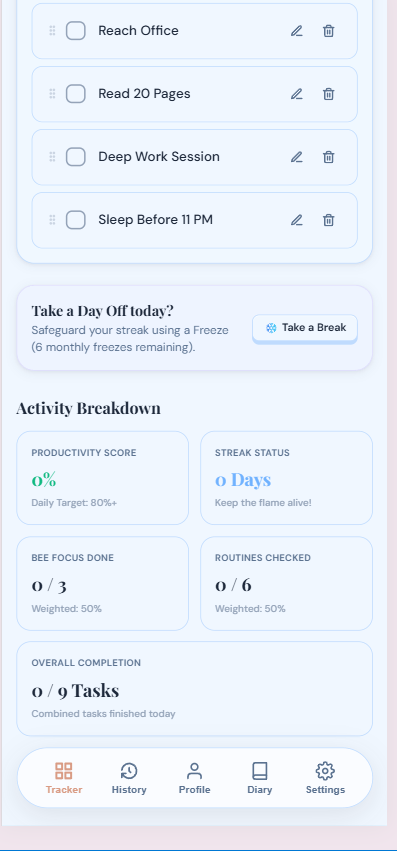
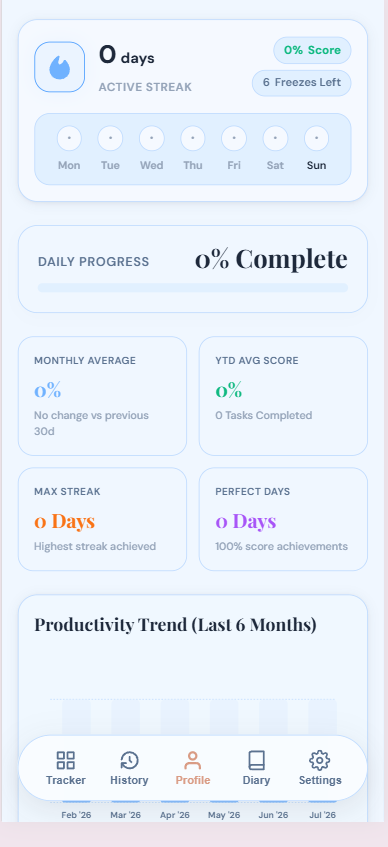
Life happens. HoneyTrack gives you 6 protected rest days per month — take a day off without breaking your streak. Rest is part of the plan.
Unfinished Hero Tasks from yesterday surface automatically each morning. One tap moves them forward — nothing falls through the cracks.
A GitHub-style 365-day heatmap shows your full year at a glance — color-coded from empty to perfect, celebrating every active day.
Groq reads your diary and writes empathetic, synthesized reflections. Like a thoughtful friend who's read everything you've written.
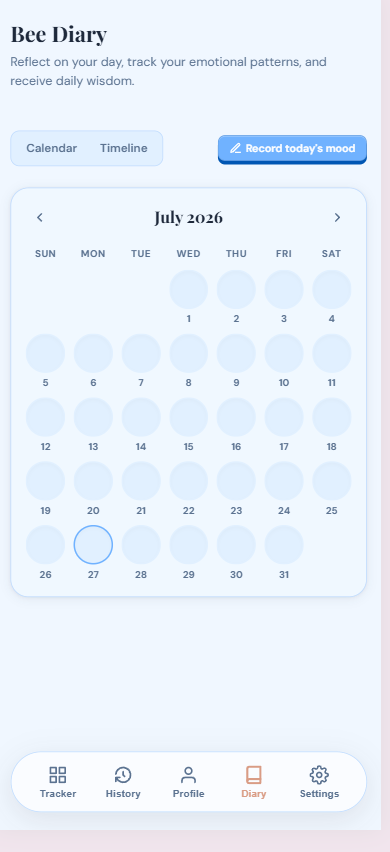
Every day gets a color matching your mood. Scroll back any month and see your emotional landscape — it tells you more than you expect.
Sky Blue, Amber Gold, Blush Warm, Mono — each theme ships with a full dark mode. Switch anytime. The app adapts the status bar color to match.
Add Hero Tasks — your absolute must-dos — and Routine Tasks. Set your daily intention in under a minute.
Check off tasks as you go. Log inline notes. Record your mood in the Diary. Take a Streak Freeze when life demands it.
The agent carries forward unfinished work, writes reflective AI letters from your diary, and surfaces your habit patterns automatically.
Watch your streak grow. Review your YTD heatmap. Use analytics to double down on what's working and fix what isn't.
Choose your platform to get started. Free to use, local-first, and syncs seamlessly.
Download the official Android APK package for fast and responsive tracking.
Download APK (v1.2.0)Launch the live web app directly on your browser or iPhone home screen.
Launch HoneyTrack Web App ↗For iOS & Desktop users: Open honeytrackapp.crosstechsolutions.in in Safari or Chrome, sign in, and select "Add to Home Screen" or "Install App" from settings menu to install HoneyTrack as a full-screen app!
By Conscious Living · HoneyTrack v1.2.0 · CrossTech Solutions